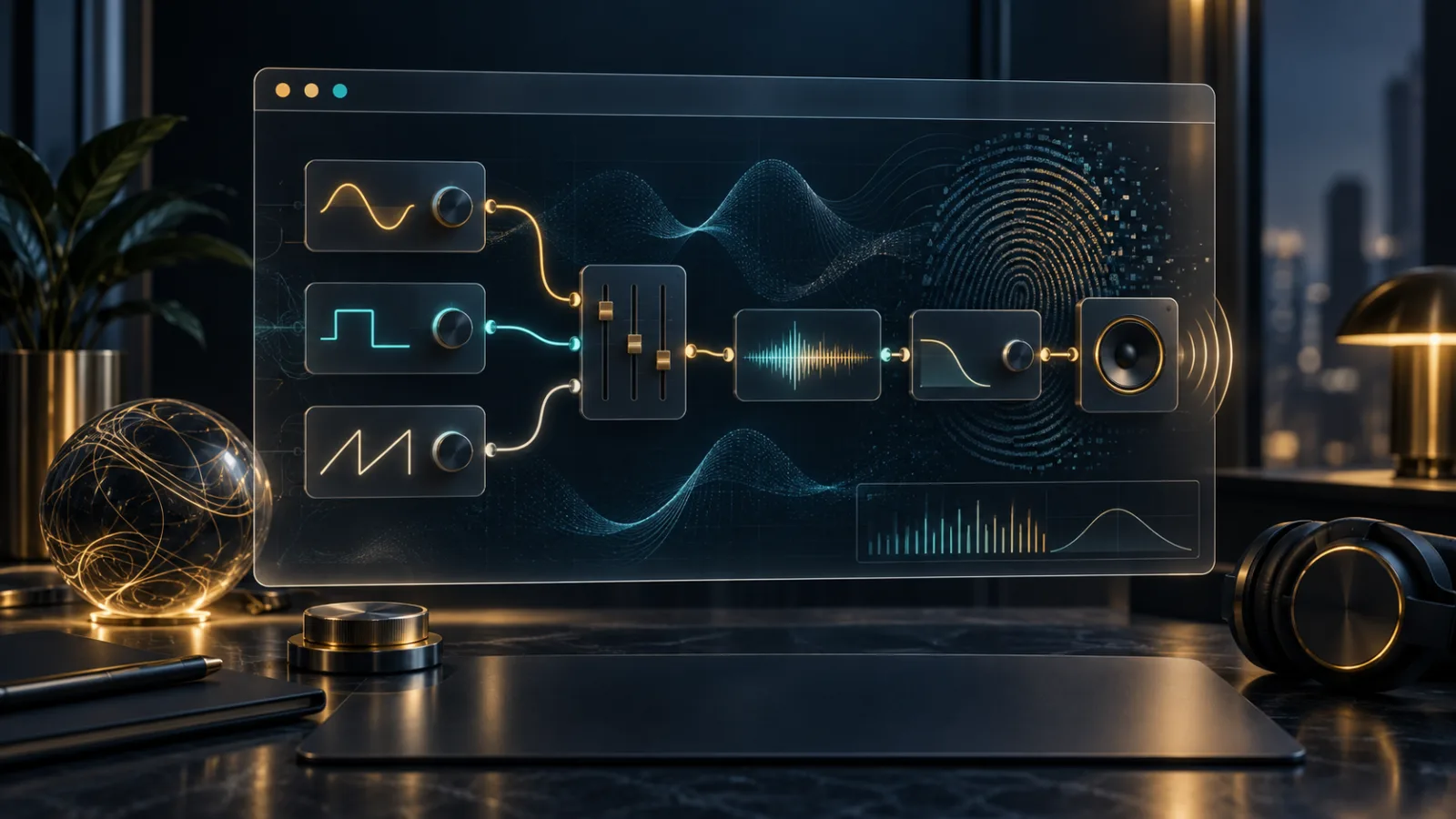
Browsers can do far more with sound than press play on an audio file. A modern web page can build a synthesizer, mix a podcast, visualize a voice, spatialize game audio, or apply effects in real time. The Web Audio API makes that possible through a flexible system of connected processing nodes. Its power is creative, but it also raises a practical privacy question: what can a site learn while it processes sound?
Web Audio API: how browser sound becomes a graph
The Web Audio API treats sound as a route through an audio graph. A source—perhaps an uploaded file, an oscillator, or a permitted microphone stream—passes through nodes that can change volume, filter frequencies, add delay, analyze a waveform, or position sound in three-dimensional space. The result can then reach speakers, a recording destination, or an in-memory buffer.
The W3C Web Audio specification describes this node-based model as the central design of the API. Processing normally runs in optimized browser code, which is why complex music tools and responsive game audio can work without installing a desktop application.
That architecture does not mean every site is listening. A page can generate and process synthetic sound without receiving microphone audio at all. Access to a microphone is handled through a separate media-capture permission, which should appear as a clear browser request.
When microphone permission enters the picture
A waveform display for an uploaded song needs only the file you chose. A voice recorder, live tuner, or call app needs a microphone stream. That second case crosses a more sensitive boundary because speech, nearby conversations, and environmental sounds may enter the page.
Before allowing access, consider whether audio input is essential to the feature you selected. A recording studio has an obvious reason; a news article usually does not. Check which microphone is selected, stop capture when the task is complete, and revisit site permissions if an indicator remains active. Our practical guide to browser permissions offers a broader framework for judging requests by purpose, timing, and reversibility.
Permission protects the input source, not every downstream decision. Once you intentionally give a site microphone audio, the page may analyze, transform, display, record, or transmit that stream according to its product design and privacy policy. The browser can mediate access; it cannot make an untrustworthy service trustworthy.
Audio processing can happen without audible sound
An OfflineAudioContext renders an audio graph into a memory buffer instead of sending it to speakers. According to the MDN Web Audio overview, this allows audio to be processed as quickly as the computer can complete the work. It is useful for exporting effects, preparing clips, testing synthesis, or analyzing audio without real-time playback.
This also explains why “I heard nothing” is not proof that no audio computation occurred. A page can create oscillators, filters, and compressors in memory. That is not automatically harmful—many legitimate tools depend on it—but it makes the API relevant to browser fingerprinting.
Why Web Audio appears in fingerprinting discussions
Small differences in processors, operating systems, browser implementations, resampling, and mathematical rounding can subtly change a rendered audio result. A script may generate a known signal, process it through a fixed graph, and summarize the output. Combined with other signals, that summary can help distinguish one class of device from another.
The W3C specification explicitly discusses this risk. It notes that sample rate, channel count, latency, timing, and tiny differences produced by certain nodes can add fingerprinting entropy. Browsers are expected to reduce unnecessary variation and may quantize or otherwise limit revealing measurements.
An audio result alone is rarely a stable name tag. The concern is accumulation: screen dimensions, language, graphics behavior, fonts, codec support, and audio characteristics can be combined. Our guide to website fingerprinting without cookies explains why a collection of ordinary details can become more identifying than any single value.
What the API does not automatically reveal
Creating an AudioContext does not grant microphone access, open files from your computer, or reveal the content playing in unrelated applications. Those sources require their own access paths and, where appropriate, user choice or permission. A site also cannot use an audio graph to bypass the browser's same-origin rules and freely read media from another domain.
Autoplay rules add another boundary. Browsers commonly require a user gesture before an audio context can begin audible playback. The goal is primarily usability—preventing pages from suddenly making noise—but it also keeps audio activation connected to an intentional interaction.
How to use browser audio tools with confidence
- Grant microphone access only when the feature clearly needs live input.
- Prefer uploading a chosen clip when live capture is unnecessary.
- Watch the browser's microphone indicator and stop access after use.
- Avoid entering private conversations into unfamiliar web audio tools.
- Remember that silent processing and audible playback are different things.
Developers can help by explaining the signal path in plain language: what enters the graph, what stays on the device, what is uploaded, and when data is deleted. They should request microphone access only after an obvious action and provide a visible stop control. If sound is analyzed locally, saying so precisely is more useful than a vague promise of privacy.
The Web Audio API is a strong example of a capable browser primitive. It can turn a page into an instrument or studio while keeping microphone permission separate. The sensible response is neither fear nor blind trust, but attention to the source, the destination, and the site asking to connect them.
Browse with more intention
Noorani brings prayer times, Qibla, tracker blocking, and privacy into one calm desktop browser built for how Muslims live online.