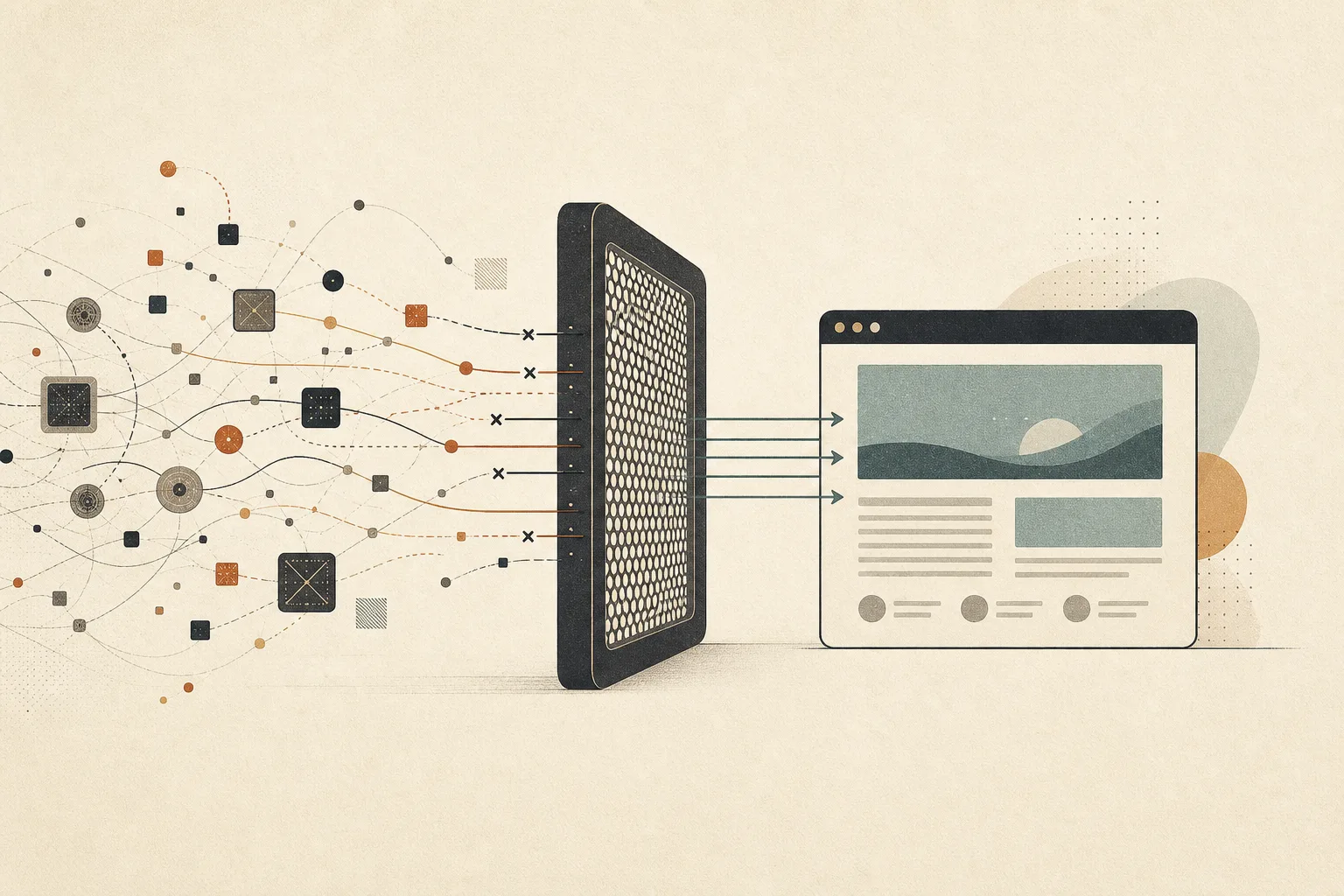
Tracker blocking does more than hide an advertisement. It changes which companies receive a signal when you open a page, how many network requests the page makes, and sometimes how quickly the useful part becomes ready.
The result is not a separate web. It is the same article, store, or forum with fewer invisible intermediaries listening from the margins.
How tracker blocking changes a page request
A modern page rarely comes from one server. The main document may belong to the publisher, while analytics, advertising, social widgets, fonts, video players, and experiments arrive from other domains. Each connection gives another operator an opportunity to observe the visit.
A tracker blocker checks outgoing requests against rules. When a request matches a known tracking pattern, the browser stops it before the resource loads. Community-maintained projects such as EasyList and EasyPrivacy document the filter lists used by many blocking tools.
The browser still loads the page’s first-party content. What disappears is usually a script, pixel, frame, or request associated with measurement or advertising infrastructure.
Fewer companies learn about the visit
Without blocking, one page view can notify a chain of services. An analytics provider may record the visit. An advertising exchange may run an auction. A social widget may contact its platform even if you never press the share button.
Blocking interrupts some of those introductions. The publisher still sees the request you intentionally made. Third parties whose code never runs receive less—or nothing—from that page load.
This distinction matters. Privacy is not always about hiding an activity from the service you chose. Often it is about preventing unrelated companies from joining the interaction without a clear reason.
Pages can become lighter and calmer
Tracking scripts consume bandwidth, processor time, and memory. They may schedule background work, monitor interactions, or load additional resources. Removing them can reduce the amount of work needed to display a page.
The effect varies. A simple site may show little difference. A page crowded with programmatic advertising can feel noticeably quieter: fewer layout shifts, fewer autoplay elements, and less waiting while dozens of external connections complete.
Google’s web performance guidance explains that third-party JavaScript can delay rendering and occupy the main thread. A blocker is not a universal performance optimizer, but stopping unnecessary third-party code often removes unnecessary work.
What tracker blocking does not do
It does not hide you from the site you visit
The destination still receives your request, public IP address, and ordinary browser information. If you sign in, the service knows which account is active. Tracker blocking narrows exposure; it does not make a direct relationship anonymous.
It does not erase every identifier
First-party cookies can maintain sessions and preferences. Sites can also combine technical details into a probabilistic profile. Our guide to browser fingerprinting explains why rejecting cookies alone is incomplete.
It cannot judge every script by intention
The same domain may deliver both useful and questionable functions. A script may support fraud detection, video playback, customer support, or measurement. Blocklists use patterns and evidence, not mind-reading. Some requests sit in a grey area.
Why sites occasionally break
A page can depend on a blocked resource more than its developers realize. A consent tool may gate the rest of the interface. A checkout may call a fraud service. A video player may share infrastructure with analytics.
When blocking interrupts a necessary dependency, buttons can fail, media can remain blank, or sign-in can loop. This is not evidence that protection is pointless. It is evidence that the modern web often bundles essential functions with tracking.
The practical response is controlled troubleshooting:
- Reload the page once.
- Check whether the problem appears in a private window.
- Temporarily relax protection for that site only.
- Complete the task and restore the setting afterward if possible.
- Avoid turning protection off everywhere to fix one domain.
Built-in blocking is easier to reason about
Extensions can provide strong controls, but every extension adds code, permissions, updates, and another organization to trust. Installing several blockers can also create overlapping rules and difficult troubleshooting.
Noorani includes tracker blocking as a browser responsibility. The goal is a useful default that works without assembling a collection of add-ons. Users can then keep extensions for genuinely distinct needs.
This approach fits the technical foundation described in why Noorani chose Chromium: use a mature web engine, then make deliberate product choices around privacy and attention.
How to evaluate the difference yourself
Choose three sites you use regularly: a news publication, a shopping site, and a web application. Open each with protection enabled and note load stability, visible advertising, consent prompts, and whether core functions work.
Then inspect the blocked-request count if the browser exposes it. Do not treat the largest number as automatically best. A good outcome is not maximal breakage. It is fewer unnecessary connections while the page remains useful.
You can also compare what travels before content loads in our explainer on browser request data. Tracker blocking acts on the requests that follow, especially those sent to outside services.
A smaller audience for ordinary browsing
Most browsing is unremarkable. That is precisely why it should not need a large audience. Reading an article, checking a timetable, or researching a purchase should not automatically introduce dozens of companies.
Tracker blocking makes a modest but concrete change: fewer observers, fewer requests, and less clutter competing with the page you chose to open.
Browse with more intention
Noorani brings prayer times, Qibla, tracker blocking, and privacy into one calm desktop browser built for how Muslims live online.