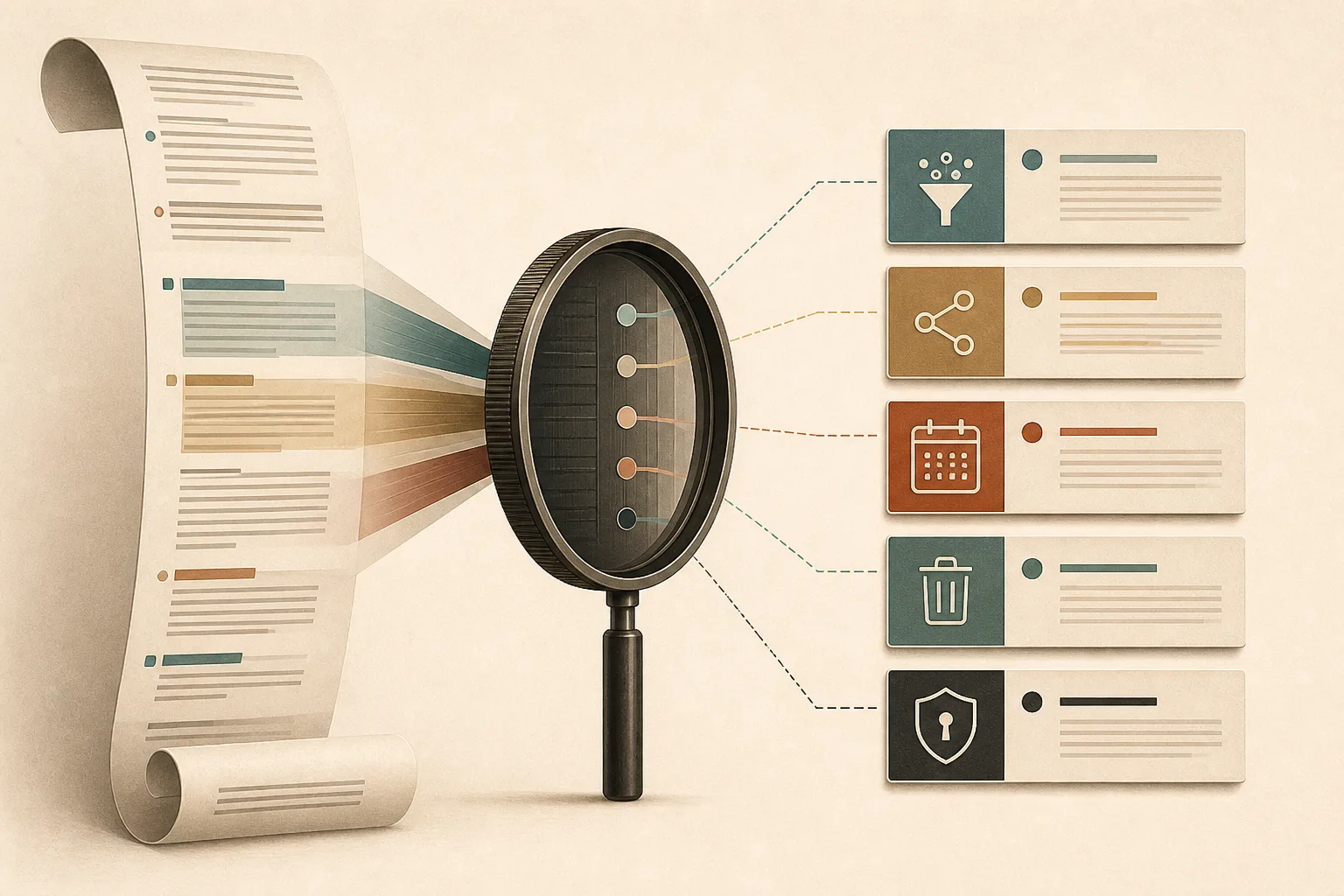
Most privacy policies are written to be complete, not quick. They cover every product, jurisdiction, vendor, and legal exception a company may need. That makes them intimidating—but it does not make them unreadable. With a focused method, you can usually identify the terms that matter in about ten minutes.
The goal is not to memorize the document or decode every legal phrase. It is to answer a smaller set of practical questions: What is collected? Why? Who receives it? How long is it kept? Can you delete it? What changes if you decline?
Minute one: confirm the scope
Start at the top and find the products, websites, and accounts covered by the policy. A company may have one notice for its marketing site and another for its browser extension, mobile app, or paid service. Check the effective date too. If a policy names a product you do not use, do not let that section distract you from the service in front of you.
The UK Information Commissioner’s guidance says privacy information should tell people who is collecting data, why it is used, how long it is retained, and who it is shared with. Those categories make a useful reading checklist even when you are outside the UK.
Minutes two and three: find what is collected
Use the page search command—Ctrl+F on Windows or Command+F on macOS—and search for collect, information, device, and automatically. Separate information you deliberately provide from information gathered in the background.
Provided data may include an email address, profile name, payment details, or support message. Automatic data can include IP address, device identifiers, browser version, diagnostic logs, pages viewed, precise or approximate location, and interaction history. The second group deserves close attention because it may be created before you submit a form. Our explainer on browser data before a page loads shows how much context a routine connection can reveal.
Look for broad phrases such as “including but not limited to” or “information about your activity.” They are not automatically disqualifying, but they reduce precision. A strong policy connects each category to a clear product purpose.
Minutes four and five: follow the sharing
Search for share, third party, partner, service provider, advertising, and sell. “We do not sell personal information” is useful, but it does not answer whether the company shares data for targeted advertising, measurement, analytics, fraud prevention, or corporate affiliates.
Service providers are normal: a company may need hosting, payment processing, email delivery, or crash reporting. What matters is the boundary. Does the vendor process data only on the company’s instructions, or can it use the information for its own purposes? Are partners named or described by category? Can advertising identifiers be linked across services?
This is also where tracker language matters. A site can avoid selling a customer list while still loading third-party scripts that observe visits. Noorani’s overview of tracker blocking on the web explains the mechanics behind that distinction.
Minute six: check retention
Search for retain, retention, store, and delete. “We keep data as long as necessary” is common, but the useful part is what follows: necessary for which purpose, and according to what criteria?
Some records have legitimate fixed periods, especially invoices, security logs, or fraud investigations. Other information can be deleted soon after it serves its function. Prefer policies that provide time ranges or explain the trigger for deletion. If account deletion leaves analytics events, backups, or support tickets behind, the notice should say so.
Minute seven: test your control
Find the section on rights or choices. Can you access, correct, export, or delete your information? Can you turn off optional analytics without losing the core service? Is there a direct settings path, or must you email an address and wait?
Pay attention to the difference between deleting local history and deleting server-side records. Private mode is another distinct tool: it can limit what remains on your device, but it does not make a connection invisible to websites or networks. See what private browsing does with your data for a clear boundary.
Minute eight: read the security language carefully
Search for security, encrypt, and breach. Policies often promise “reasonable” safeguards, a phrase that reflects the reality that no system can guarantee perfect security. Look for concrete signals: encryption in transit, restricted access, authentication controls, incident response, and a way to report vulnerabilities.
The US Federal Trade Commission’s privacy and security guidance repeatedly connects sound data practices with collecting only what is needed, protecting it, and disposing of it securely. A privacy promise is stronger when the company’s product design follows those principles.
Minute nine: inspect exceptions and changes
Now search for law enforcement, legal, merger, and change. Companies may disclose information to comply with lawful requests, protect users, investigate abuse, or transfer assets during an acquisition. The important detail is whether the language sets a threshold or grants an open-ended discretion.
Check how policy updates are announced. A new date at the top is easy to miss. An email or in-product notice for material changes gives users a genuine chance to reassess the service.
Minute ten: compare the words with the product
Finish by checking whether the policy matches what the product asks from you. A flashlight app requesting contacts, or a simple reading tool requiring precise location, creates a mismatch that deserves an explanation. On the web, open the cookie controls and permissions panel. Are optional choices genuinely optional? Is rejecting tracking as straightforward as accepting it?
Write down one sentence in your own words: “This service collects X, shares it with Y, keeps it for Z, and lets me do Q.” If the policy does not let you complete that sentence, the uncertainty itself is useful information.
A policy is evidence, not a guarantee
A clear notice does not prove perfect behavior, and a dense notice does not prove misconduct. It is one piece of evidence alongside product permissions, network activity, company history, and your own threat model. The ten-minute method helps you turn a wall of legal text into a decision you can act on—and makes vague claims easier to spot the next time.
Browse with more intention
Noorani brings prayer times, Qibla, tracker blocking, and privacy into one calm desktop browser built for how Muslims live online.