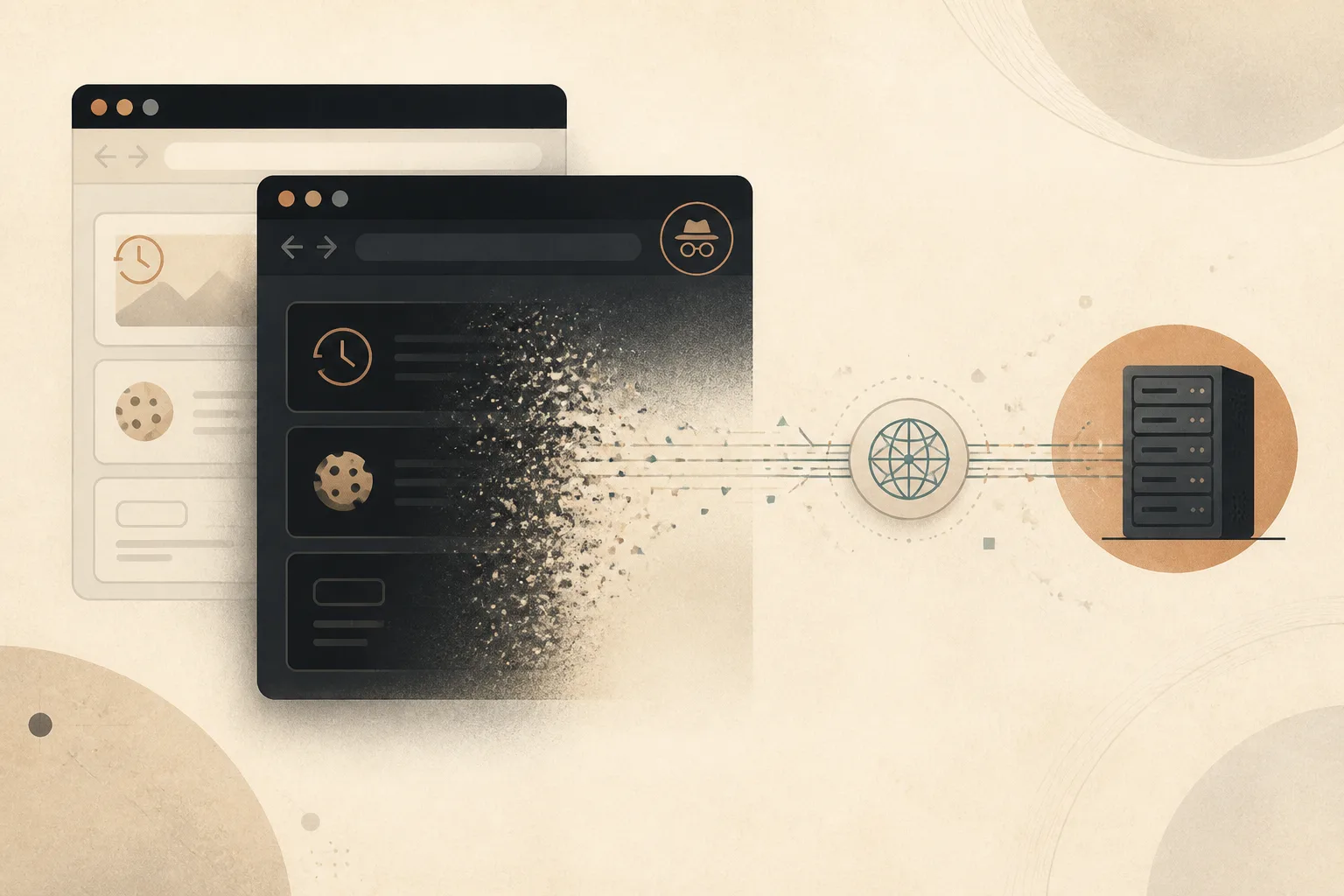
Private browsing is useful because it creates a temporary local session. Close the private windows and the browser discards the history, cookies, and form data created inside that session.
That is valuable on a shared computer and helpful when testing a site without an existing login. It is not an invisibility switch. The websites you visit, the network carrying the traffic, and any account you sign into can still recognize the activity.
What private browsing actually deletes
A private window separates its local storage from the normal browsing session. During the session, sites can still set cookies and remember state across private tabs. When the last private window closes, the browser removes that temporary store.
Google’s official explanation of Incognito mode states that the browser does not save browsing history, cookies and site data, or information entered in forms after the session ends. Other Chromium-based browsers follow the same basic model, though interface details differ.
The key phrase is after the session ends. Private browsing does not prevent the browser from holding temporary data while the windows remain open.
History and search entries
Pages opened in a private session do not appear in the browser’s normal history. Address-bar suggestions should not learn from those visits after the session closes.
This is useful when researching a surprise gift, checking a sensitive topic on a family computer, or signing into an account without mixing it into the main profile. It prevents the next person using the browser from finding the visit through the History page.
It does not delete records held by a search engine or website. If you search while signed into an account, that service may store the query in its own account history.
Cookies and login sessions
Private windows begin with a separate cookie jar. You are usually signed out of websites even if the normal browser window has active sessions.
Once you sign in inside the private window, the site knows which account is present for the rest of that private session. Closing all private windows removes the local session cookie, but it does not make the server forget actions already associated with the account.
This separation is handy for opening a second account or testing how a site behaves when logged out. It should not be mistaken for anonymous account use.
Form data and site storage
Information typed into forms is not added to the normal autofill history merely because it was entered in a private window. Temporary web storage, such as local storage and IndexedDB created by sites, is also cleared with the private session.
Files you deliberately download remain on the computer. Bookmarks you create remain as well. The browser treats those as explicit saved actions, not temporary session residue.
Before leaving a shared device, check the Downloads folder and remove any file you do not want to leave behind. Private mode cannot safely erase a document that you chose to save outside the browser’s temporary storage.
What private browsing does not hide
The website still receives the request
The destination sees an IP address, request headers, and the activity performed during the visit. Our explainer on what a browser sends before a page loads describes those baseline signals.
Your network may observe the destination
A workplace, school, internet provider, or router administrator may be able to see network metadata. HTTPS protects the content of the connection, but private mode does not create a VPN or change the network route.
Accounts still identify you
Signing into email, social media, banking, or a work service identifies the session to that provider. Private browsing removes the local login afterward; it does not remove server logs or account activity.
Fingerprinting can still work
Sites may combine browser and device characteristics into a probabilistic identifier. Private mode can reduce persistent local state, but it does not necessarily make technical characteristics identical to everyone else’s. See our guide to browser fingerprinting without cookies.
Extensions may behave differently
Browsers often disable extensions in private windows unless the user explicitly allows them. This protects the private session from add-ons that may record activity, but it can also remove password managers or accessibility tools you expect.
Review private-mode extension permissions deliberately. Allow only tools you trust and need. A private window with a highly privileged extension is still sharing page access with that extension.
When private browsing is the right tool
- Using a shared or borrowed computer for a short session.
- Opening a second account without signing out of the first.
- Testing a site without ordinary cookies or cached state.
- Reducing local traces after researching a personal topic.
- Comparing prices or content without an existing session influencing the page.
Mozilla’s guide to common private-browsing myths makes the same central distinction: private mode protects against local history being retained, not against every form of online observation.
When you need something else
If the goal is fewer advertising trackers, use tracker blocking. Our article on how tracker blocking changes the web explains what those protections stop.
If the goal is to change the public IP visible to websites, a reputable VPN or privacy relay addresses that specific layer. If the goal is strong anonymity against correlation, private mode alone is not designed for it.
If the goal is protecting files and accounts on a computer, use a locked operating-system profile, device encryption, and good logout habits. Browser privacy cannot compensate for an unlocked shared desktop.
Temporary is the accurate promise
Private browsing is best understood as a disposable local workspace. It keeps the session separate, clears its local state when closed, and leaves ordinary browser history cleaner.
That is a useful promise. It becomes misleading only when “private” is interpreted to mean unseen. Use the mode for temporary separation, and choose additional tools when the threat sits outside the browser’s local storage.
Browse with more intention
Noorani brings prayer times, Qibla, tracker blocking, and privacy into one calm desktop browser built for how Muslims live online.