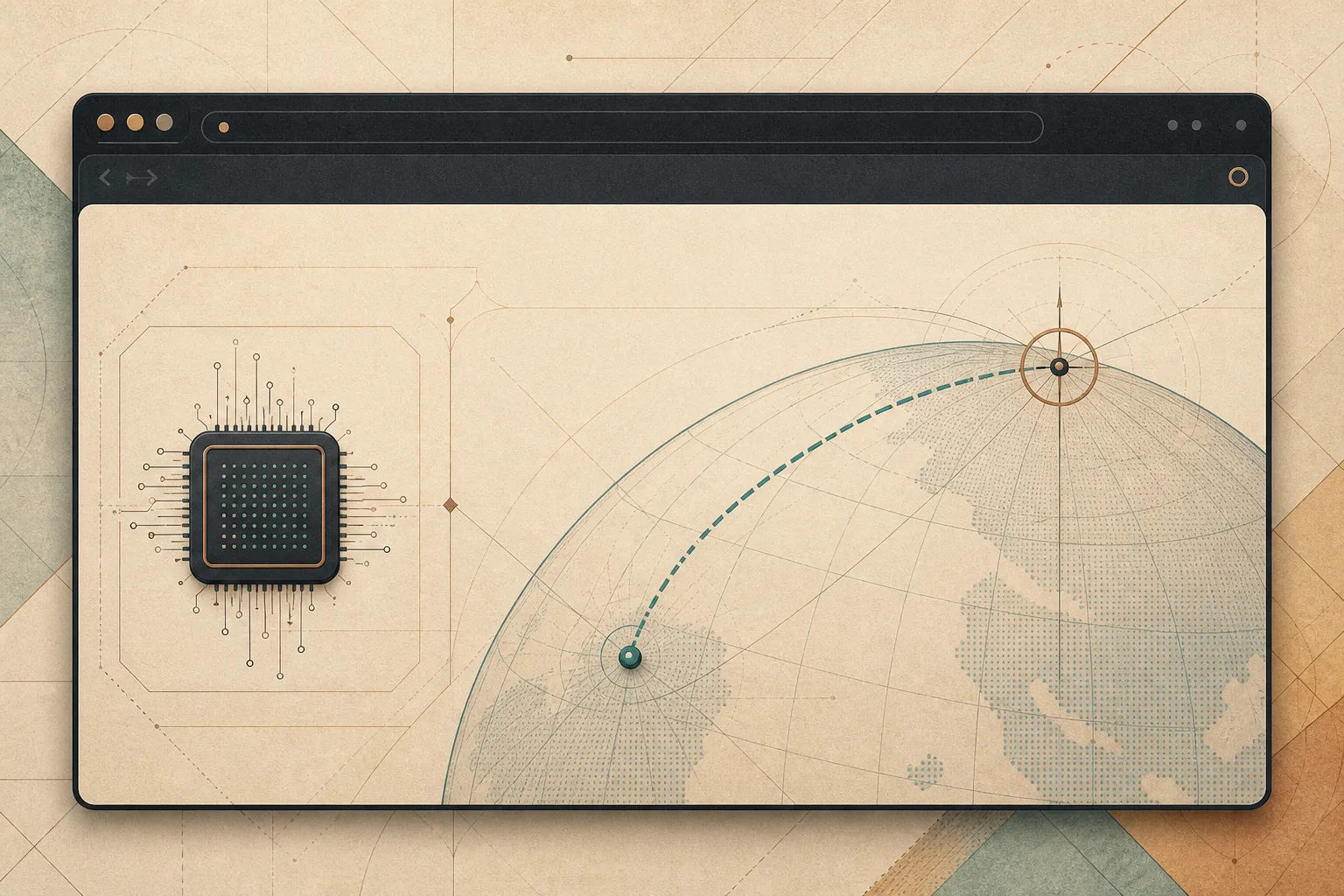
A Qibla indicator needs only two locations: where you are and the fixed geographic coordinates used for the direction calculation. It does not need an account, a history of movements, or a server request every time you open the browser.
Noorani keeps the calculation close to the device. The result is a small daily feature with a deliberately small data footprint.
How local Qibla direction works
Qibla direction is a bearing. Given a user’s latitude and longitude and a destination coordinate, software can calculate the initial direction of the shortest route across the surface of the Earth.
This is a standard geodesic problem, not a private database lookup. Libraries such as GeographicLib provide well-tested methods for calculations on the Earth’s ellipsoid. Simpler implementations may use spherical trigonometry, which is generally adequate for a directional indicator.
The calculation produces an angle measured clockwise from true north. The interface then translates that angle into a clear visual direction.
Location is the sensitive input
The mathematics is public. Your current location is not. Latitude and longitude can reveal far more than a city name when collected precisely and repeatedly.
Browsers therefore place location behind a permission prompt. MDN’s Geolocation API guide explains that websites can request location only in secure contexts and that users control permission.
A desktop browser may obtain location through operating-system services, nearby network information, or a location the user enters manually. Accuracy varies. Qibla direction does not normally require continuous tracking; a stable location is enough until the device moves a meaningful distance.
What “on device” changes
A server-based design sends coordinates to an external service and receives a bearing in return. That can be easy to build, but the request creates another data event: a service learns that a device at a particular location asked for Qibla direction at a particular time.
A local design performs the trigonometry inside the application. Coordinates remain available to the feature long enough to compute the result, but the bearing does not require a Noorani account or a dedicated direction request to our servers.
Local computation does not mean the operating system knows nothing. The platform may still provide the original location. It means Noorani does not need to add a separate remote lookup for a calculation the computer can perform itself.
The bearing is not the compass heading
Two values are easy to confuse:
- Qibla bearing is the calculated direction from a location toward the destination coordinate, measured from true north.
- Device heading is the direction the physical device is facing, usually derived from orientation sensors or a compass.
A desktop computer often has no reliable compass. Noorani can still show the correct bearing as a directional reference. The user aligns it using a map, room orientation, or another trusted compass.
On devices with sensors, magnetic interference matters. Metal desks, speakers, cases, and electronics can distort a compass. The geodesic bearing may be correct even when a live arrow appears unstable because the heading sensor is not.
True north and magnetic north
Geodesic calculations produce a bearing relative to true north. Physical compasses point toward magnetic north, whose offset from true north varies by location and changes gradually over time.
That offset is called magnetic declination. The US National Centers for Environmental Information provides a public magnetic-field calculator that illustrates how declination differs around the world.
If you compare Noorani’s bearing with a magnetic compass, account for local declination or use a map-based true-north reference. Small differences can also come from rounded coordinates, sensor noise, or the location chosen inside a large city.
Why the direction can differ between apps
Two Qibla apps may disagree by a few degrees without either using a completely different destination. Common causes include:
- one app using true north while another follows magnetic heading;
- different location accuracy or a city-center fallback;
- sensor calibration and nearby magnetic interference;
- different Earth models or rounding;
- an old cached location after travel.
The useful troubleshooting sequence is simple. Confirm the location, compare true north rather than a raw magnetic reading, move away from obvious interference, and check against a trusted map line.
A feature should request only what it needs
Location permissions can become broad because many products want continuous context. Qibla direction has a narrower purpose. It needs a position to calculate a bearing, then it can remain stable until the position changes.
The same design principle shapes Noorani’s local prayer-time calculations. Once the necessary inputs are available, the schedule is computed without turning a daily religious routine into repeated server traffic.
It also fits our broader explanation of what a browser sends before a page loads. Every avoided request is one fewer opportunity for routine information to travel.
Useful precision, restrained data
A Qibla indicator should be accurate enough to trust and simple enough to understand. It should also be honest about the difference between a calculated bearing and a physical compass.
Noorani treats the feature as local geometry, not an account service. The browser uses the location required for the direction, performs the calculation, and keeps the experience close to the device.
Browse with more intention
Noorani brings prayer times, Qibla, tracker blocking, and privacy into one calm desktop browser built for how Muslims live online.