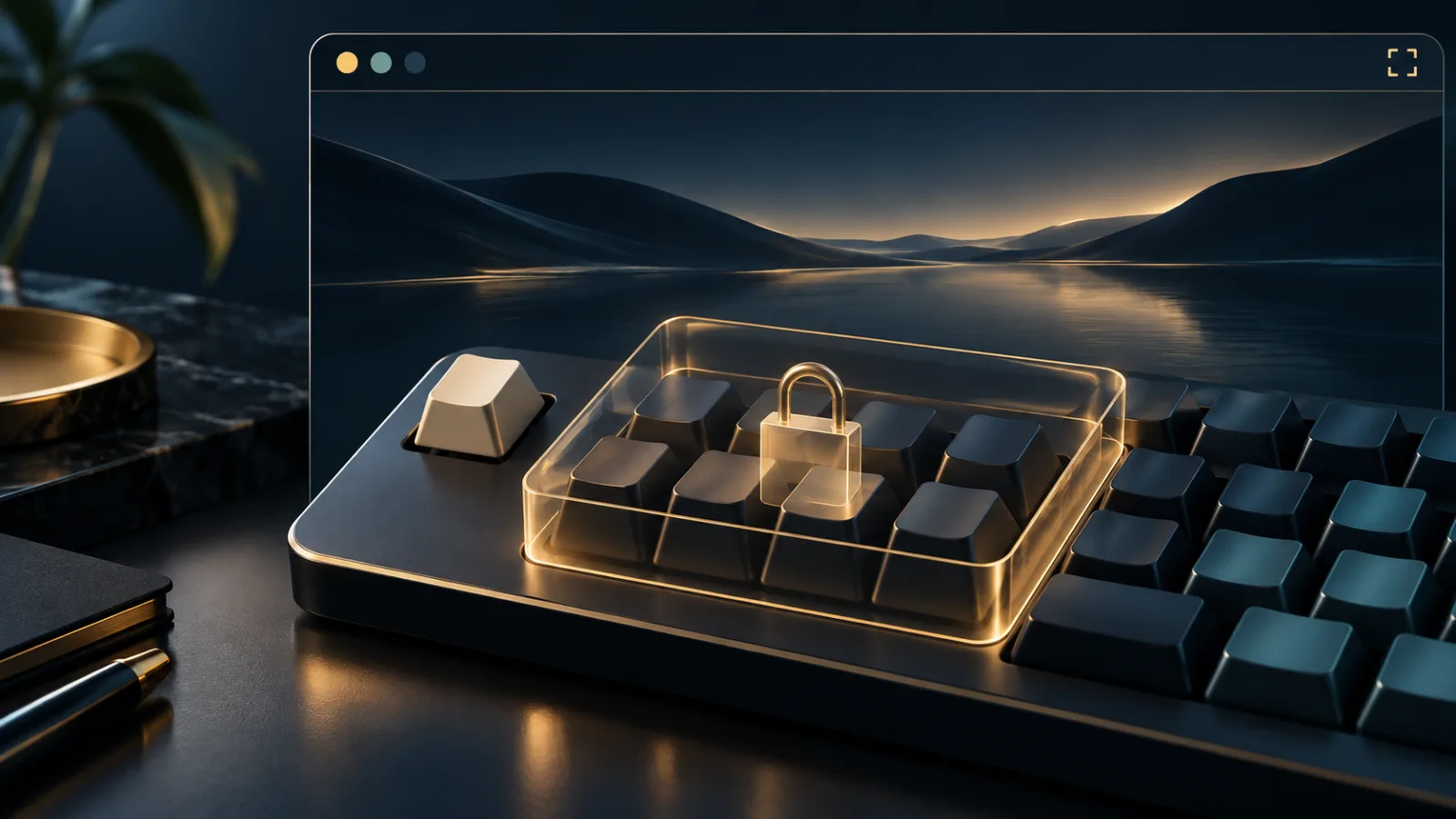
Fullscreen can make a web app feel less like a page and more like a desktop program. Games gain room to breathe, remote desktops become easier to control, and virtual machines can respond to familiar shortcuts. But a browser shortcut may compete with the app for the same key. The Keyboard Lock API was created to manage that conflict without quietly taking control away from the person at the keyboard.
Keyboard Lock API: what changes in fullscreen
Normally, browsers reserve certain keys and combinations for their own interface or for the operating system. A fullscreen game might want the Escape key for a menu. A remote desktop session may need function keys or shortcuts that would otherwise act on the local browser. With Keyboard Lock, a page can ask the browser to route selected physical keys—or, in some implementations, all eligible keys—to the web application.
The important phrase is “can ask.” The Chrome documentation for Keyboard Lock describes it as a capability for immersive experiences such as games, remote desktops, and streamed applications. The operating system may still reserve combinations it cannot safely surrender.
Why fullscreen is part of the safety model
Keyboard capture can be confusing if the browser chrome is still visible. You might press a familiar key and reasonably expect the browser to respond. Restricting the capability to programmatically initiated fullscreen gives the request a visible context: the site has entered an immersive mode, and the browser can explain that change.
Fullscreen itself is not invisible. The MDN fullscreen guide notes that users can leave fullscreen and that browsers provide an exit mechanism. The page cannot make itself indistinguishable from the operating system forever.
Permission behavior also matters. Modern Chromium-based browsers may ask before a site can use Keyboard Lock. Treat that prompt as a question about the current task, not as a routine obstacle. A trusted game you opened intentionally has a clearer reason than an unfamiliar page that entered fullscreen after a misleading click.
Escape still needs an escape route
A page that captures Escape creates an obvious risk: the most familiar way to leave fullscreen may appear unavailable. Browsers account for this with a protected exit gesture. In Chrome's model, holding Escape for roughly two seconds exits fullscreen even when a short press is routed to the site. Closing the document also releases the lock.
This distinction is worth remembering. A quick tap may operate the app; a deliberate hold returns control to the browser. The design preserves useful input for immersive software while retaining a gesture the page cannot permanently erase.
If a fullscreen page behaves unexpectedly, do not keep testing random shortcuts. Hold Escape, leave the page, and review what initiated the request. The same measured approach applies to suspicious overlays and redirects described in our guide to browser popups and redirects.
What the API does not provide
Keyboard Lock does not automatically give a website a permanent record of everything typed across your computer. Its scope belongs to the active document and the fullscreen experience; it is not a system-wide keylogger. When the relevant document closes or the browser releases the lock, the capture ends.
That does not mean typing is harmless. If you enter a password, private message, or recovery phrase into a page, the page can generally receive what you type in its own focused interface whether Keyboard Lock is active or not. The feature changes which physical keys reach the app; it is not permission to trust the app with sensitive text.
For a broader way to evaluate these requests, see our browser permissions guide. It helps separate a legitimate capability from an unnecessary one by looking at purpose, timing, and reversibility.
Good behavior for immersive web apps
Developers should request only the keys the experience genuinely needs. A remote desktop may justify a wider set than a video player. The interface should explain why capture is useful before fullscreen begins, show a clear way to leave, and release the lock when the user exits the immersive task.
Sites should also handle denial gracefully. A game can display alternate controls; a remote tool can identify which shortcuts remain local. Repeatedly reopening a permission prompt is pressure, not usability.
The related requestFullscreen documentation reinforces another helpful boundary: fullscreen requires transient user activation. In ordinary use, that means a page should not unexpectedly seize the display without a recent action from you.
A practical checklist before allowing keyboard capture
- Confirm that you intentionally opened a game, remote desktop, or similar immersive tool.
- Read the permission prompt and consider whether the requested control fits the task.
- Know the protected exit gesture: hold Escape if a short press does not work.
- Do not type sensitive information merely because the page looks like a desktop app.
- Leave fullscreen and close the tab if behavior becomes unclear.
Keyboard Lock is a focused answer to a real problem. Fullscreen web apps sometimes need keys that browsers normally reserve, but the handoff should remain visible, permissioned, and reversible. When those boundaries are respected, the web can feel more capable without asking you to surrender the final say.
Browse with more intention
Noorani brings prayer times, Qibla, tracker blocking, and privacy into one calm desktop browser built for how Muslims live online.