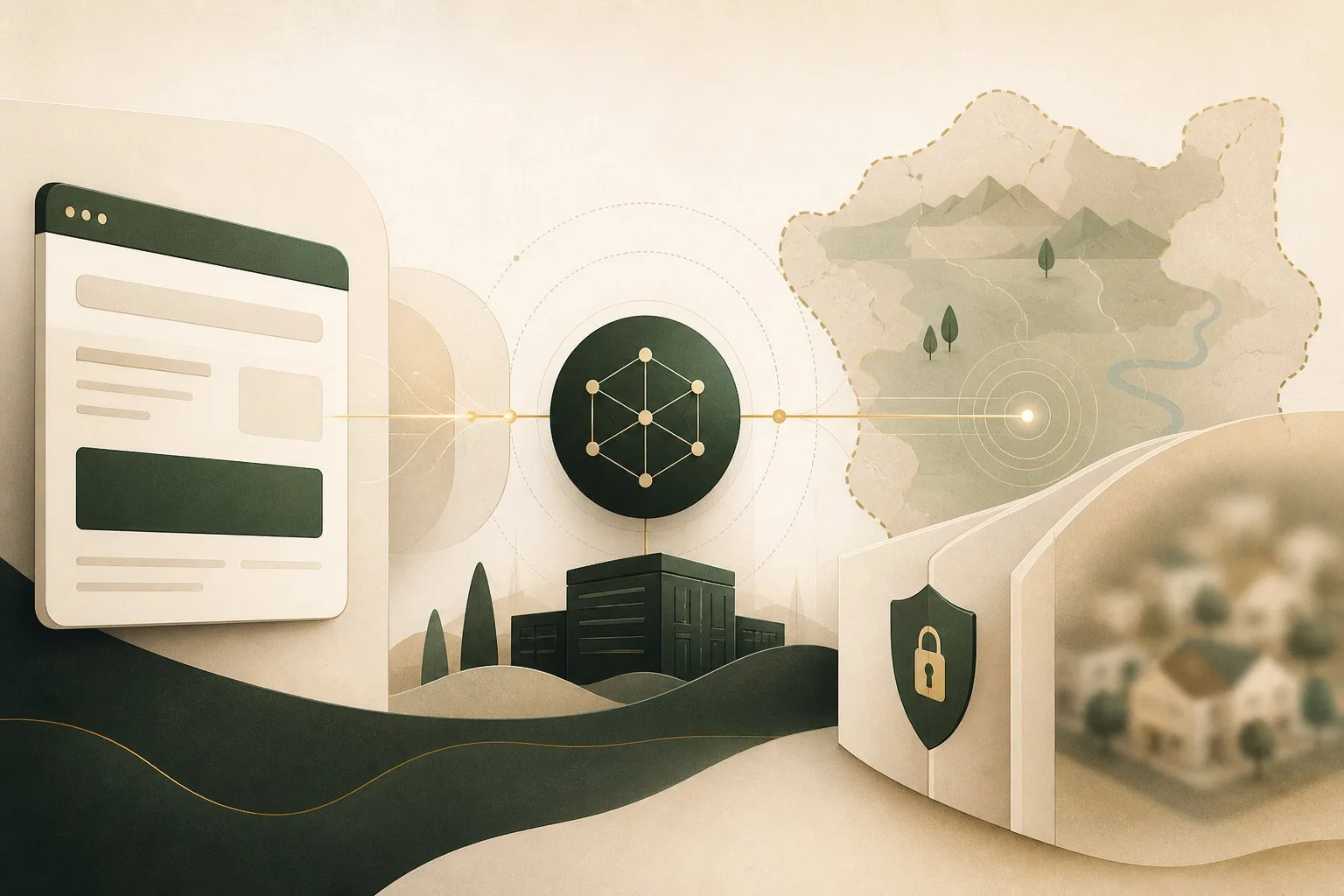
Every ordinary internet connection needs a return address. When your browser requests a page, the website receives traffic from an Internet Protocol address so its response can find the right network connection. That address is useful for routing—and useful for inference.
An IP address can reveal a network provider and an approximate area, help services detect unusual logins, and connect activity over time. It usually does not reveal a person’s exact home address by itself. The difference between what it shows directly and what can be inferred through other data is central to understanding online privacy.
Public addresses identify connections, not names
Your device may use a private address inside a home or office network. The router or internet provider presents a public address to the wider internet. Several devices can share that public address through network address translation, and large mobile or carrier networks may place many customers behind shared infrastructure.
IPv6 provides a much larger address space and may give devices globally routable addresses, while privacy extensions can rotate interface identifiers. In both cases, websites still need a source address for the connection.
The Internet Engineering Task Force’s IPv6 specification describes the addressing foundation; the privacy question depends on how networks allocate and rotate addresses in practice.
Geolocation is usually approximate
IP geolocation databases associate address ranges with countries, regions, cities, internet providers, and organizations. Their estimates come from routing information, registry records, network measurements, and other observations.
The country may be accurate, while the city can be wrong by many kilometers. Mobile networks, satellite connections, corporate gateways, and provider routing can make traffic appear in a different area. An IP lookup may show the provider’s infrastructure rather than the person’s physical location.
This is different from browser location permission, which can use GPS, nearby Wi-Fi, and other signals to provide much greater precision. Our browser permissions guide explains why a site should ask before receiving that level of location data.
Websites use IP addresses for ordinary operations
Servers record addresses for reliability, rate limiting, fraud prevention, abuse response, and security analysis. A bank may challenge a login arriving from an unexpected country. A service may slow requests when one address sends thousands of attempts. Content providers may apply regional licensing or show a local version of a page.
These uses are not all tracking in the advertising sense. An address is basic network metadata, and retaining it can support legitimate security. Privacy depends on how long logs are kept, how they are combined, and whether they are shared.
An IP address can become a tracking signal
A home connection may retain the same public address for days or weeks, while another provider changes it frequently. Even a changing address can indicate a household, workplace, or network during the period it remains active.
By itself, the address may be ambiguous because multiple people and devices share it. Combined with cookies, account logins, browser characteristics, and timing, it becomes more identifying. Our guide to browser fingerprinting explains how several ordinary signals can form a more distinctive profile.
This is a recurring privacy pattern: one data point rarely tells the whole story, but linked data can become much more specific than any field alone.
HTTPS does not hide the destination connection
HTTPS encrypts page content while it travels between your browser and the site. The network still needs destination addresses to route packets, and the destination receives the source address of the connection or of the last proxy in front of it.
A network observer can often see which IP addresses your device contacts, connection times, and traffic volume even when it cannot read the pages. Encrypted DNS protects domain lookups on the way to a resolver, but it does not remove IP routing. See what encrypted DNS protects and the limits of HTTPS.
Proxies and VPNs change which address a site sees
A proxy or virtual private network sends traffic through an intermediary. The destination typically sees the intermediary’s address rather than the address assigned by your internet provider. Your provider can see that you connected to the VPN, while the VPN provider becomes able to observe important metadata about your traffic.
This is a trust shift, not disappearance. A VPN can reduce direct IP exposure to websites and help on untrusted networks, but it does not stop account-based tracking, cookies, fingerprinting, or data a site intentionally collects.
Free services deserve special scrutiny because operating network infrastructure costs money. Read the provider’s ownership, logging, retention, security, and business-model claims before routing browsing through it.
WebRTC and direct connections
Real-time calling and peer-to-peer features use WebRTC. Browsers have changed how candidate addresses are exposed to reduce unnecessary local-address leakage, while still supporting direct media connections. A service participating in a call may learn connection information needed to establish the session.
Disabling WebRTC entirely can break legitimate communication tools. Permission prompts for microphone and camera address media access, while network-address handling is a separate technical layer.
What an IP address does not prove
An address does not reliably identify the person at the keyboard. Families share connections. Offices host many employees. Public Wi-Fi serves strangers. Addresses can be reassigned, routed through gateways, or used by compromised devices.
Investigators and providers may combine timestamps and subscriber records under applicable legal processes, but a raw address on a webpage is not the same as a verified name or exact residence.
Practical ways to reduce exposure
- Keep tracker protection enabled so IP data is not as easily combined with known tracking scripts.
- Share precise browser location only with sites that genuinely need it.
- Use a reputable VPN or privacy relay when hiding your provider-assigned address serves a clear purpose.
- Sign out of accounts when you do not want activity attached to that identity.
- Keep the browser updated as network privacy protections evolve.
- Remember that private browsing does not hide your address from websites or providers.
A routing necessity with privacy consequences
An IP address is necessary network information. It usually reveals a provider and approximate region, sometimes a stable connection, and always a path for the response. It becomes more identifying when services combine it with accounts, cookies, device signals, and logs.
The useful goal is not to pretend the address does not exist. It is to limit unnecessary linkage, reserve precise location for deliberate permissions, and understand when an intermediary such as a VPN changes who must be trusted. Privacy becomes clearer when each layer is judged by what it truly hides—and what it still needs to reveal.
Browse with more intention
Noorani brings prayer times, Qibla, tracker blocking, and privacy into one calm desktop browser built for how Muslims live online.