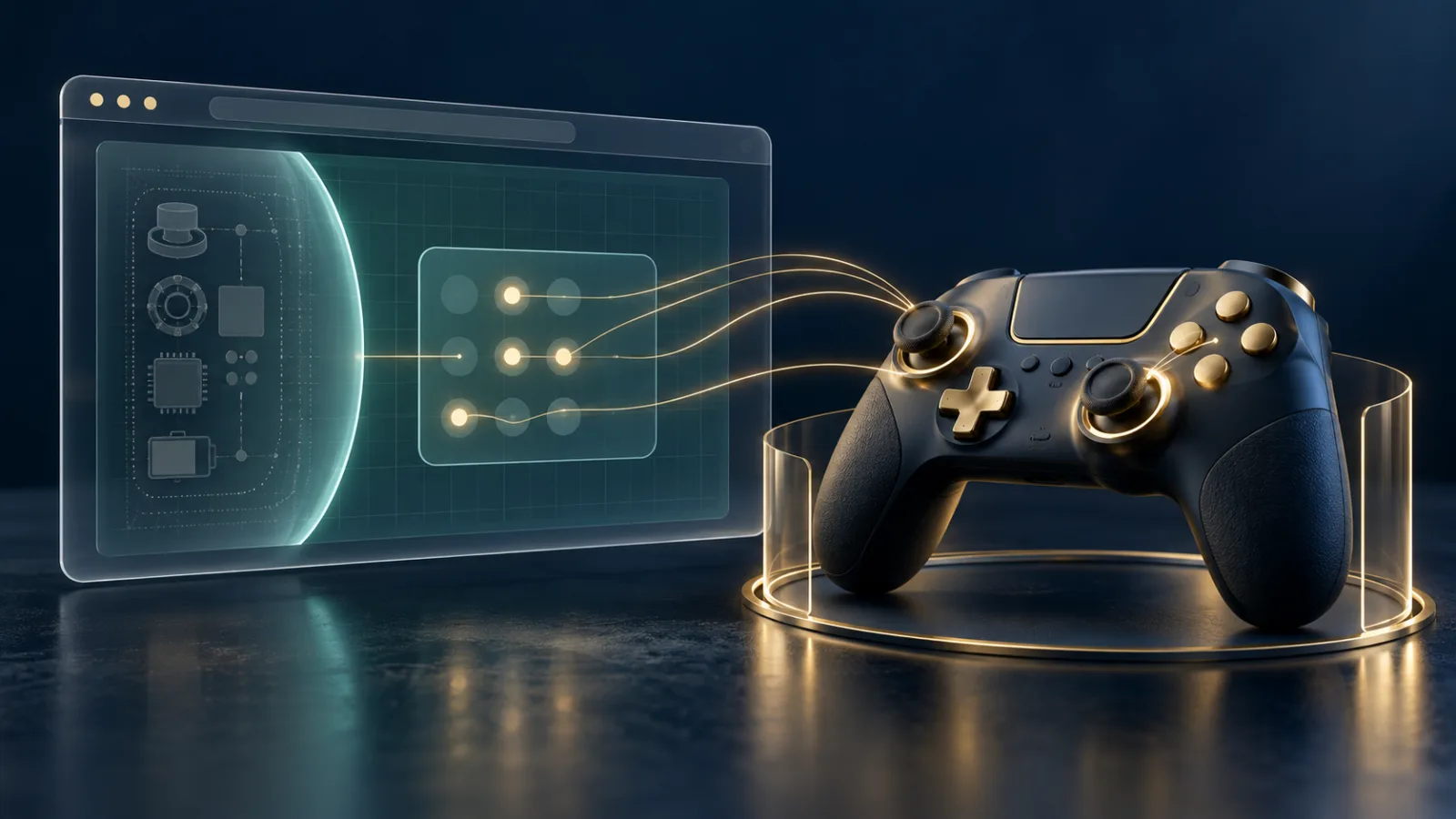
A connected game controller seems like a simple input device: buttons, sticks, triggers, and perhaps vibration. In a browser, however, those signals cross a meaningful boundary between local hardware and a website. The Gamepad API makes browser games and interactive experiences possible without a native installation, while modern safeguards limit how quickly a page can discover the controller beside you.
Gamepad API: what websites can read from controllers
The Gamepad API gives web applications a consistent way to respond to controllers connected by USB, Bluetooth, or another platform-supported route. A page can learn which buttons are pressed, read joystick and trigger values, notice connection changes, and in supported cases request haptic feedback.
The W3C Gamepad specification describes a snapshot model: the page asks the browser for the current set of exposed gamepads, then reads button and axis state during its animation loop. This is well suited to games, simulators, accessibility tools, and remote-control interfaces that need low-latency input.
Why a controller can add fingerprinting signals
Hardware details can distinguish one setup from another. A controller may expose an identifier, a standard or custom mapping, a particular number of buttons and axes, touch surfaces, vibration capabilities, and timing behavior. None of those details is usually a secret by itself, but combined with screen, graphics, language, and other browser signals they can add texture to a device fingerprint.
That is why the specification limits immediate discovery. Before a gamepad user gesture has been observed, getGamepads() returns an empty list. Plugging in a controller is not necessarily enough; the user generally needs to press a suitable button or move a self-centering axis beyond a threshold. Random joystick drift should not count as intent.
This design follows a useful privacy principle: a page should not quietly inventory idle hardware merely because it was left connected. Interaction indicates that you are trying to use the controller with the active browser experience. Our browser fingerprinting guide explains how seemingly modest device characteristics become more meaningful when assembled together.
What controller input reveals
Once exposed, a page can read the current state of mapped controls. Button objects can indicate whether a control is pressed or touched and may include an analog value. Axes provide normalized directional values. Some controllers may expose touch points or pose-related extensions through other specifications. The exact information depends on the browser, operating system, and device.
Controller input can also reveal patterns of behavior. Rapid polling makes gameplay responsive, but it means an active page can observe timing, repeated movements, and the sequence of controls used during the session. That is expected inside a game you chose to play. It is less appropriate in an unrelated page hidden behind another tab, so browsers and specifications tie exposure to fully active documents, permissions policy, and user interaction.
Connection does not grant every hardware capability
The Gamepad API is narrower than general USB or Bluetooth access. A site using it does not automatically receive permission to browse files, inspect arbitrary USB descriptors, pair new Bluetooth devices, or control other peripherals. Those activities belong to separate browser APIs with their own prompts and protections.
Likewise, gamepad access does not include microphone or camera access just because a controller contains those components. If a game or social experience needs voice chat, the microphone request should appear separately. Read each prompt according to the feature named, following the approach in our browser permissions guide.
Haptic feedback travels in the other direction
Some controllers contain vibration actuators. A supported website can request haptic effects so an impact, surface, or alert can be felt in the controller. This is output rather than data collection, but it still deserves limits. Continuous or unexpected vibration can be disruptive, consume battery, and create accessibility concerns.
Browsers and devices decide which effect types are available and how concurrent effects are handled. Leaving the page or disconnecting the controller is a straightforward way to stop an unwanted experience. If vibration continues unexpectedly, close the relevant tab and power-cycle or disconnect the controller rather than assuming an unrelated app is responsible.
Secure contexts and embedded games
The Gamepad API is treated as a secure-context feature in current browser guidance, meaning it is intended for trustworthy HTTPS pages. The specification also integrates with the gamepad Permissions Policy feature. A top-level site can restrict whether embedded frames may receive controller access.
This matters on pages that combine a game with advertising, chat widgets, analytics, and other third-party frames. The game needs input; surrounding content generally does not. Permission policy lets the publisher narrow that exposure. Users should still verify the domain before interacting, especially when a controller prompt or unexpected behavior appears inside an embedded experience.
Practical controller privacy habits
- Use controllers with games and tools you deliberately opened, not unrelated pages.
- Disconnect or power off the device when it is not in use if you want to minimize exposure.
- Close background game tabs after a session instead of leaving them active indefinitely.
- Treat requests for microphone, camera, USB, Bluetooth, or screen sharing as separate decisions.
- Keep the browser, controller firmware, and operating system updated.
The MDN Gamepad API overview provides a clear technical map of connection events, controller objects, buttons, and axes. For most users, the central distinction is simpler: the browser should expose a controller after meaningful interaction, not as part of a silent hardware census.
Responsive play with a smaller privacy surface
Web games need frequent input updates, and the Gamepad API provides them without installing a separate application. The thoughtful part of the design lies before that stream begins: secure delivery, user interaction, a fully active document, permissions policy, and deliberately limited exposure.
Noorani brings that same preference for purposeful access to everyday browsing. Tracker blocking helps reduce cross-site observation, while prayer times, Qibla, Hijri tools, and offline Quran access stay close without demanding attention. A controller should feel like an instrument you choose to use—not another piece of hardware quietly advertising itself to every page.
Browse with more intention
Noorani brings prayer times, Qibla, tracker blocking, and privacy into one calm desktop browser built for how Muslims live online.