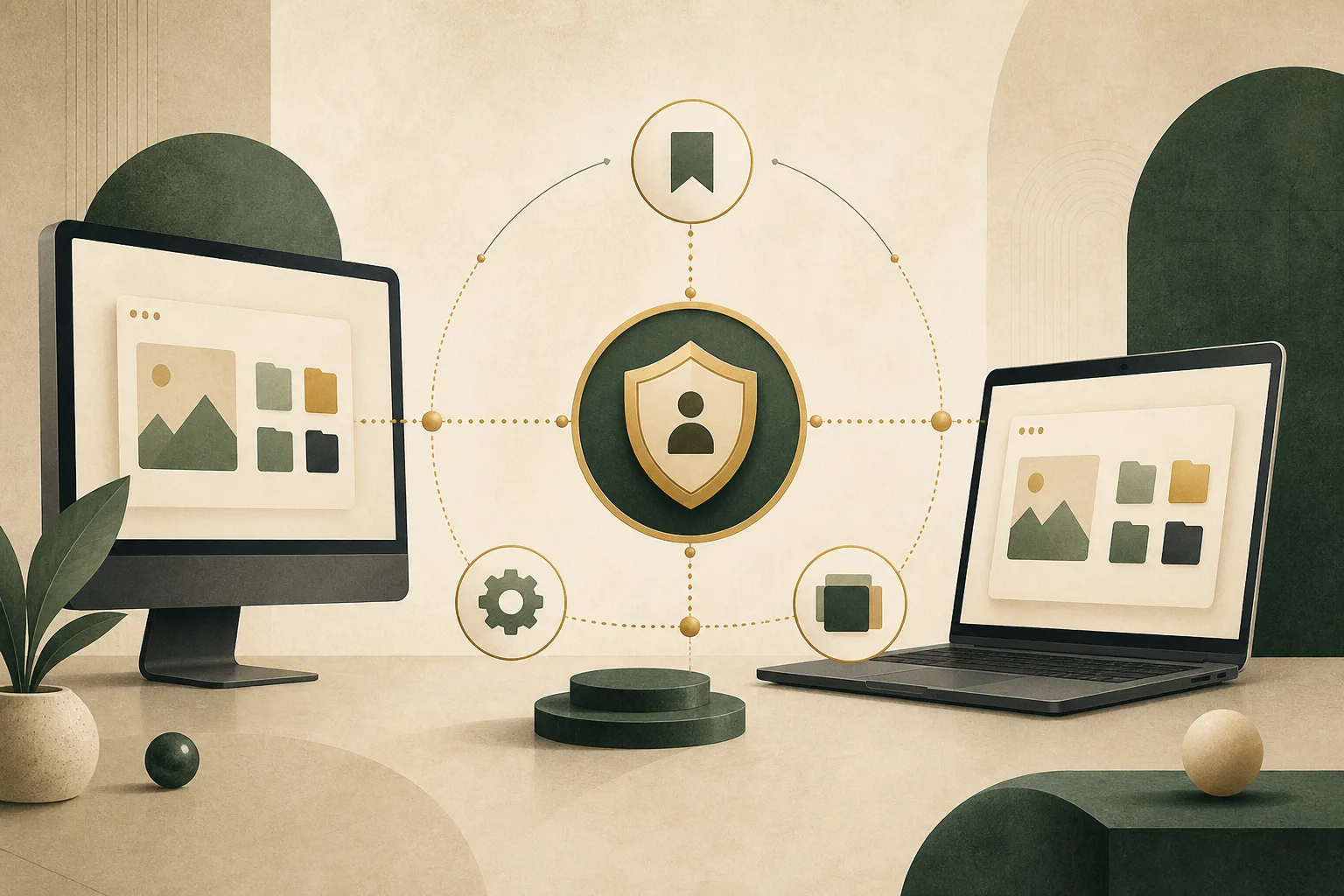
Browser sync can make a new computer feel familiar within minutes. Sign in, and bookmarks, preferences, open tabs, saved addresses, extensions, or passwords may reappear. The convenience comes from copying selected browser data beyond one device and connecting it through an account.
That changes the privacy model. Information that once lived only on a laptop may also be stored by a sync service and delivered to every approved device. Sync can be secure and useful, but it deserves deliberate settings, strong account protection, and an understanding of what is actually being shared.
What browsers may synchronize
Sync categories vary, but commonly include bookmarks, browsing history, open tabs, settings, themes, extensions, autofill profiles, and saved passwords. Some browsers let you choose each category; others offer a broad “sync everything” option.
Different categories carry different consequences. A bookmark collection may reveal research interests. Open tabs can expose current work. History provides a timeline. Autofill profiles may contain contact details, and passwords can unlock accounts if they are not protected correctly.
The convenience of sync is therefore cumulative. Turning on several seemingly modest categories can create a detailed copy of how you use the web.
How data moves between devices
A browser typically encrypts sync data while it travels to and from the service. HTTPS or another protected channel prevents ordinary network observers from reading it in transit. The data is then stored on provider infrastructure so another authenticated device can retrieve it.
The crucial question is how the stored data is encrypted and who holds the keys. In some designs, the provider can decrypt certain categories to deliver account features. In end-to-end encrypted designs, data is encrypted so that only approved user devices possess the keys needed to read it.
These terms should be read precisely. “Encrypted” does not automatically mean “end-to-end encrypted,” and one service may protect passwords differently from bookmarks or settings. Look for category-specific documentation rather than relying on a single security label.
The account becomes a master key
Once browser data follows an account, the security of that account becomes central. A stolen password, compromised recovery method, or unattended signed-in device can expose much more than a single website login.
Use a unique account password and enable strong multi-factor authentication. Prefer phishing-resistant methods such as security keys or passkeys when supported. Review signed-in devices and remove sessions you no longer recognize or control.
Account recovery also matters. An old email address or weak recovery channel can become the easiest path around an otherwise strong password.
Sync is not the same as backup
Synchronization aims to keep devices consistent. If a bookmark is deleted on one device, that deletion may propagate to the others. Corrupted or unwanted changes can spread too. A backup is designed to preserve earlier copies for recovery.
Do not assume sync protects against every loss. Export important bookmarks periodically if they would be difficult to reconstruct, and understand whether the service offers version history or recovery tools.
The same distinction applies when leaving a browser or account. Turning sync off may stop future updates without automatically deleting server-side data. Look for separate controls to clear synchronized information if that is your goal.
Passwords require special attention
Synced passwords are highly convenient and can support strong, unique credentials on every device. They also raise the stakes of account compromise. Good services protect the password vault with additional encryption and device authentication, but implementation details differ.
Lock devices, enable full-disk encryption, and require authentication before revealing or filling passwords when possible. A device that is already unlocked and signed in may be able to access synchronized information even if the network transport is secure.
Extensions may interact with pages where credentials are filled. Our guide to what browser extensions can see and change explains why extension permissions remain important alongside sync security.
Autofill profiles travel too
If address or payment autofill is synchronized, adding a profile on one device can make it available elsewhere. This can be useful for personal devices, but uncomfortable on shared computers or devices used for work.
Review which profiles are stored and remove outdated entries. Before enabling autofill sync, consider every device connected to the account, not only the one in front of you. Our article on how browser autofill handles personal data covers when filled information becomes available to a website.
Shared and managed devices change the calculation
A personal laptop protected by a strong operating-system account is different from a family computer, public workstation, or employer-managed device. On a shared machine, another person may gain access to open tabs, history, saved addresses, or authenticated sessions.
A work device may be subject to administrative policies, monitoring, remote management, or account recovery controlled by the organization. Avoid syncing personal browser data to a device you do not fully control unless you understand those boundaries.
Private browsing does not solve this. A private window may avoid adding local history to the normal profile, but it does not undo data already synchronized or hide account activity from services. See what private browsing does with your data.
How to review browser sync
- Choose categories individually. Sync only what provides clear value.
- Protect the account. Use a unique password, multi-factor authentication, and current recovery details.
- Audit devices. Sign out old phones, laptops, and installations you no longer use.
- Understand encryption. Check which categories are end-to-end encrypted and whether a separate passphrase is available.
- Plan your exit. Know how to stop sync, remove local copies, and delete server-side data.
- Keep a backup. Export irreplaceable bookmarks or other important information separately.
Convenience should remain selective
Browser sync is not inherently a privacy mistake. It can encourage stronger passwords, make device changes less disruptive, and keep useful settings consistent. The risk comes from treating every category and every device as equally trustworthy.
A selective approach is calmer and easier to reason about. Decide what genuinely needs to travel, protect the account that coordinates it, and periodically remove devices and data that no longer belong. Sync works best when it serves your habits without quietly becoming a complete, permanent copy of them.
Browse with more intention
Noorani brings prayer times, Qibla, tracker blocking, and privacy into one calm desktop browser built for how Muslims live online.