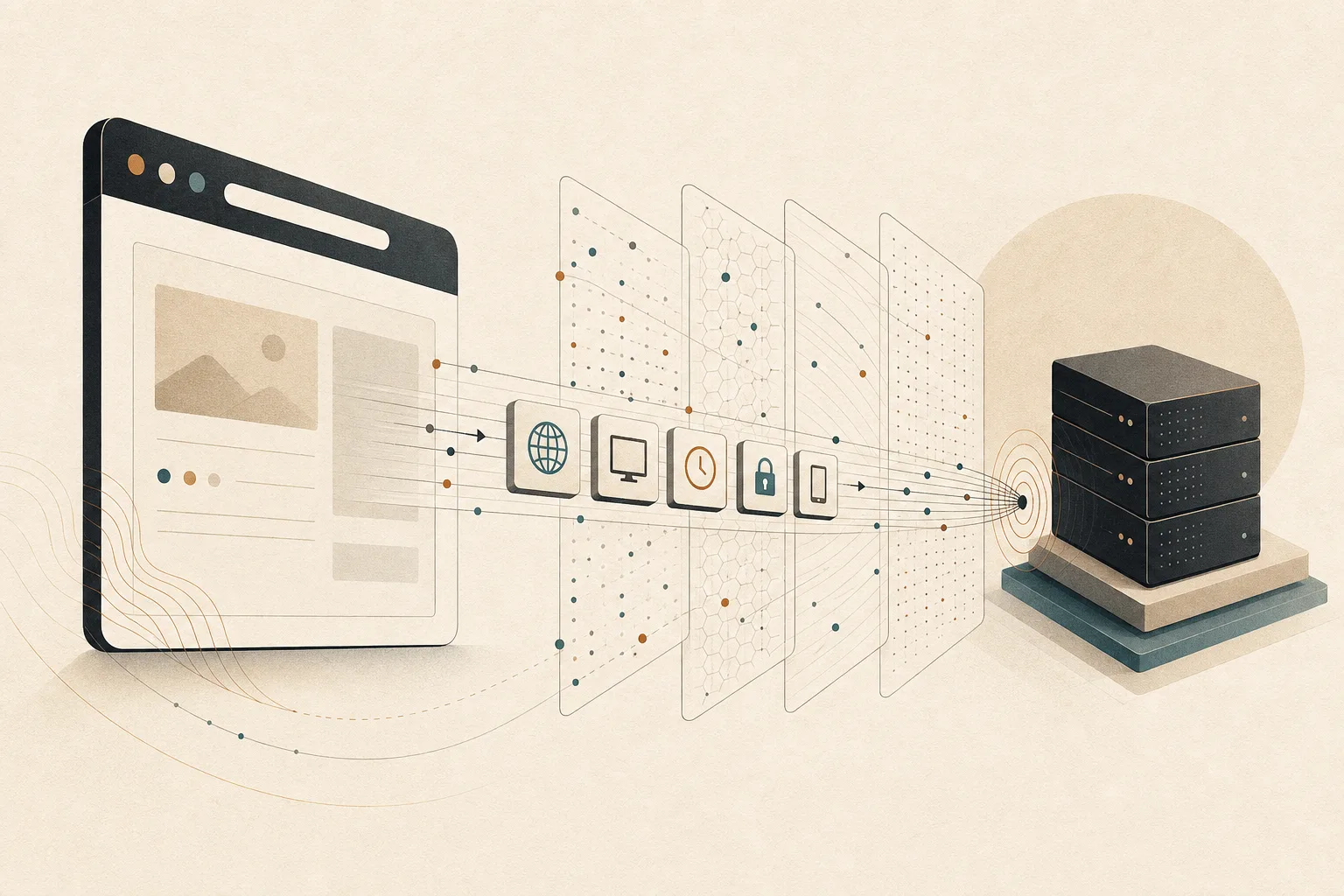
A web page begins receiving information about your browser before its headline, images, or scripts appear. Some of that information is necessary: the server needs to know what resource you requested and which formats it can send. Other details can help sites profile traffic, personalize responses, or connect visits.
Understanding what your browser sends before a page loads makes privacy less mysterious. It also explains why clearing cookies is useful but incomplete.
What your browser sends in the first request
When you enter an address, the browser resolves the domain, opens a connection, negotiates encryption for HTTPS, and sends an HTTP request. The request includes a method, a path, and a set of headers. MDN’s HTTP headers reference describes these fields as information passed between a client and server alongside the requested content.
Headers are not hidden spyware. They are part of how the web works. The privacy question is whether each signal is necessary, how specific it is, and whether it can be combined with activity elsewhere.
The destination and the route
The server naturally learns the domain and page being requested. It also sees the public IP address used for the connection. That address may reveal an approximate region and the network provider, but it does not normally expose a precise home address on its own.
Connections can pass through a workplace gateway, mobile carrier, VPN, or privacy relay. Each changes who can observe which part of the route. HTTPS protects page contents in transit, but it does not make the destination invisible to every participant involved in reaching it.
Headers describe what the browser can accept
Language preferences
The Accept-Language header helps a site choose a language. A preference such as English followed by Urdu is useful for localization, yet an unusual sequence can also add distinctiveness when combined with other signals.
Content and compression formats
Browsers advertise which media types and compression methods they understand. This lets servers send smaller files and modern formats when supported. These capabilities usually identify a browser family or generation rather than a specific person, but they still contribute to the overall profile.
Referrer information
A request may include a Referer header indicating the page that initiated the navigation. Modern referrer policies can restrict how much is shared across sites. The W3C’s Referrer Policy specification defines the controls sites and browsers use to limit that disclosure.
A full previous URL can contain search terms, document identifiers, or campaign parameters. Good site design avoids placing secrets in URLs and applies a restrictive policy where appropriate.
Client Hints can add device detail
Client Hints are request headers that let servers ask for selected information about the browser or device. They were designed to replace the long, messy user-agent string with more structured signals. Examples can describe platform, browser version, display density, or viewport width.
MDN’s Client Hints guide explains that servers advertise the hints they want and browsers decide what to send. Some low-entropy hints may be sent by default; more detailed values can require explicit server opt-in and are subject to browser policy.
The distinction matters. A coarse platform signal helps compatibility. A detailed combination of model, version, screen, language, and graphics behavior may make one device easier to distinguish.
Cookies and login state travel too
If the site already stored cookies, matching cookies may accompany the first request. They can maintain a session, remember preferences, or support analytics. When you are signed in, a session cookie often tells the server which account is returning before the page is drawn.
Third-party cookie restrictions reduce a major cross-site tracking channel, but first-party identifiers still exist. Servers can also associate activity with an account, an IP range, or other signals. That is why private browsing should be understood as local session separation, not invisibility.
TLS protects content, not every fact
HTTPS encrypts the request path, headers, and response after a secure connection is established. Someone casually watching the local network cannot read the page contents. They may still infer the destination through network metadata and supporting systems such as DNS, depending on the connection setup.
This is a meaningful protection, not a technicality. Encryption prevents passwords, messages, and page contents from moving across the network as readable text. It simply solves a different problem from tracking by the site you deliberately contacted.
Before and after the page loads
The first request is only the beginning. Once HTML arrives, the page can load scripts, fonts, images, analytics endpoints, and advertisements from additional domains. JavaScript can then ask about screen size, graphics behavior, media capabilities, and other browser properties.
Those later signals are central to browser fingerprinting without cookies. The initial request establishes a connection and shares baseline information. Page scripts can deepen the profile.
What you can do in practice
- Use HTTPS sites. Modern browsers warn about insecure connections for good reason.
- Keep the browser updated. Current versions improve security and privacy behavior.
- Block third-party trackers. Fewer external requests mean fewer parties receive browsing signals.
- Review site permissions. Location, camera, microphone, and notifications disclose more than ordinary headers.
- Separate important contexts. Avoid mixing every account and browsing purpose into one persistent session.
- Be realistic about VPNs. They change who sees your public IP, but they do not prevent a logged-in site from recognizing your account.
How this shapes Noorani
Noorani begins with Chromium for compatibility and active security maintenance. We explain that foundation in why Noorani chose Chromium. From there, privacy depends on product choices: which services are contacted, which trackers are blocked, and which features can work locally.
Local computation is one concrete example. Noorani’s prayer-time engine runs on the device, avoiding an extra server request for a feature used throughout the day.
No browser can make a requested website know nothing about the request. The better goal is disciplined disclosure: send what makes the web function, reduce unnecessary third-party collection, and keep useful local features local.
Browse with more intention
Noorani brings prayer times, Qibla, tracker blocking, and privacy into one calm desktop browser built for how Muslims live online.